Free & open source · For Linux
Look studio-made on every call.
Pick a screen. Park your camera in a corner. SuperScreencast merges them into one clean, professional feed — and it shows up everywhere you present: as a webcam in your video calls, as a file on your disk, as a live stream. Set it up once. Flip it on whenever you go on air.
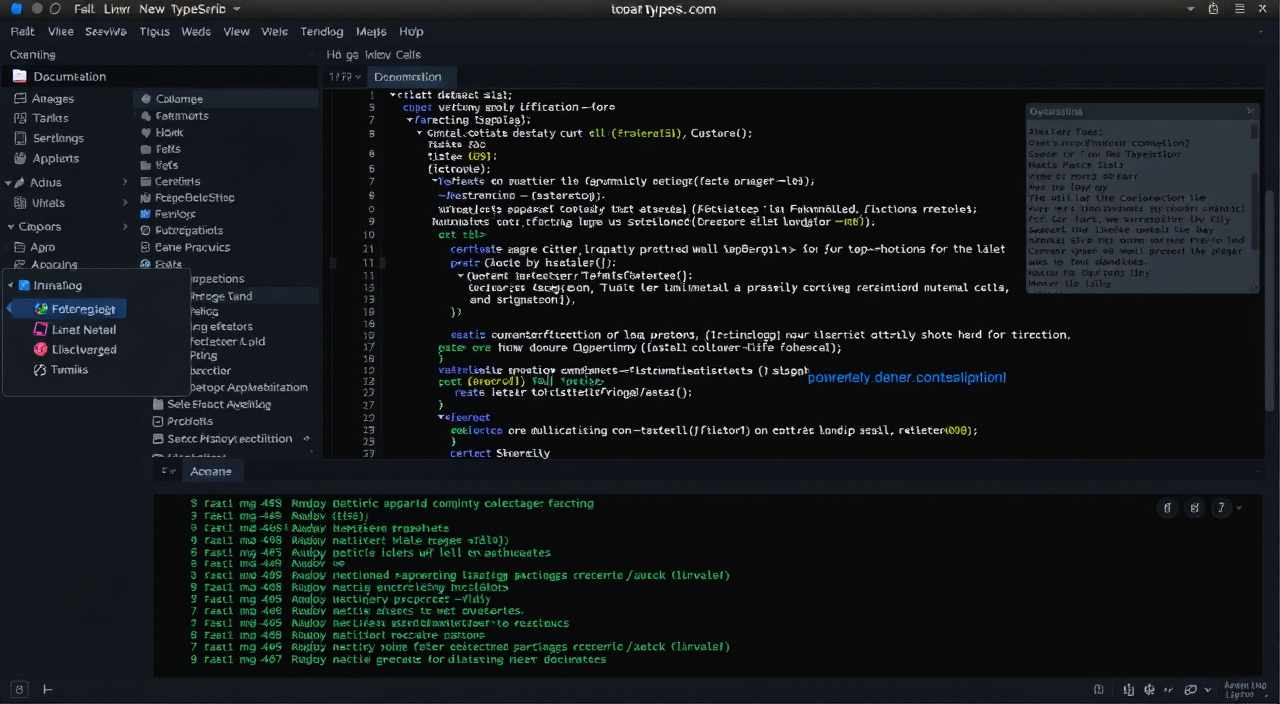

Overlay — your work full-frame, camera bubble anchored to a corner.
What it does
Compose once. Send it anywhere.
Your screen, camera, overlays, and backgrounds are arranged a single time. SuperScreencast delivers that arrangement to three independent outputs — each with its own pause, blur, and stop controls. No re-arranging your screen for the call, then again for the recording, then again for the stream.
The composition shows up as a regular webcam in Zoom, Meet, or Teams — with your microphone in on the act if you want. Your colleagues will think you bought better lighting. Let them.
Works as your webcamVideo and audio written straight to disk, as an ordinary video file. Cut and resume into the same file, on your countdown — no editor round-trip, no final_final_v3.mp4.
A file on your diskGo live to one destination — Twitch, YouTube, wherever you stream. A new stream opens safely paused: revealing yourself to the world is a deliberate click, not a race against the timer.
Twitch, YouTube & friends…because you just opened something private. The call and the recording never notice. Independent pause, freeze, and blur per lane is the whole point of SuperScreencast.
Why it's different
Built like the rest of your desktop — not a browser tab in a trench coat.
Native, actually
A small, fast desktop app — not a website pretending to be one. It opens instantly, lives in a compact window that plays nicely with your window manager, and never spins a fan. No Electron. No 2 GB of RAM spent pretending to be software.
Adjust without stopping
A compact control panel and a floating preview — small utility windows that fit beside your work. Change the camera size mid-recording, nudge an overlay during a call. Close them whenever you like: the engine keeps running, and nothing starts, stops, or pauses behind your back.
Privacy is a state, not a checkbox
One action pauses everything: your audience sees a solid screen with your own message, and hears silence. Streams start paused — showing yourself is always a deliberate click, never an accident. And SuperScreencast never pretends a connected stream means people can see you.
Your keys, your pace
Keyboard shortcuts for everything, and a command line for the rest. The engine runs quietly in the background — closing a window never starts, stops, or pauses anything behind your back.
Privacy, demonstrated
Blur it. Pause it. Reveal it on purpose.
One click pauses everything: your audience sees a solid screen with your own message, and hears silence. Blur softens the moving picture; use solid pause for privacy. Resume brings everything back exactly as it was. Streams always start paused — revealing yourself is a deliberate click, never an accident.
For keyboard people
It runs quietly in the background. The panel is optional.
SuperScreencast’s engine keeps working whether or not any window is open — your recording genuinely doesn’t care what you’re looking at. Open the control panel to change things, close it to get it out of the way, and nothing starts, stops, or pauses behind your back.
Under the hood
For the curious and the skeptical.
What is SuperScreencast made of?
A native C application, drawn with the Clay UI library on SDL3 — no web view anywhere. That’s why it opens instantly, renders crisply at any display density, and idles without doing anything to your laptop’s temperature or battery.
How does the virtual camera work?
SuperScreencast publishes the composition to a V4L2 loopback device — a standard Linux mechanism. Conferencing apps see it as a normal webcam called “Cast”, so it works with anything that can pick a camera, not just the apps we list.
How does screen capture work?
Through the capture backends available on your session — PipeWire on Wayland, X11 natively — covering monitors, screen regions, and individual application windows. What can be hidden from the capture (like SuperScreencast’s own panel) depends on the backend, and the panel tells you honestly what’s possible rather than faking it.
How does streaming work?
SuperScreencast connects directly to one destination you configure, using the standard RTMP / RTMPS protocol that Twitch, YouTube, and most platforms speak. Your stream key lives in a file on your disk — the setup asks for its path, and the secret itself never appears in the panel, the config, or a screenshot of either.
Can I skip the panel entirely?
Yes. Every action is available through the cast command-line tool, and every setting lives in plain text configuration files. Script your whole setup if that’s your idea of a good evening.
Is it really open source?
SuperScreencast is developed in the open as a C project — you can build it yourself with GNU make, read exactly what it does, and verify the privacy claims above instead of taking our word for them.
Questions
The honest answers.
Is the free version a demo, or the real thing?
The real thing. Every layout, background, overlay, camera shape, and privacy state is in the free core — no time limit, no watermark, no “pro” nag. Streaming is also free. Pro adds cinematic zoom, local transcription and subtitles, and speaker notes.
Do I need an account?
No. Install it, pick your camera anchor, and go. There is no sign-up, no login, and nothing to unsubscribe from.
Can I record and stream at the same time?
Yes — any combination of the three outputs runs at once, each with its own pause, blur, and stop controls. A stream can be connected while your recording sits on a paused screen.
Does SuperScreencast send anything to a server?
No. Recordings are files on your disk, the virtual camera is a local device, and streaming goes directly from your machine to the destination you configure. There is no SuperScreencast cloud, and there never will be one to opt out of.
Will it get along with my desktop setup?
SuperScreencast is built for Linux — it runs on Wayland and X11, lives in small floating windows, and behaves in tiling window managers. The full system requirements are on the download page.
Your next call deserves better than a webcam rectangle.
The free core has every core composition feature included — nothing held back. Install it, pick your camera anchor, and go look studio-made.